Map the businesses of a territory
List the businesses of a category in any French area, with their Google ratings and reviews, exportable to Excel.
What questions does this analysis answer?
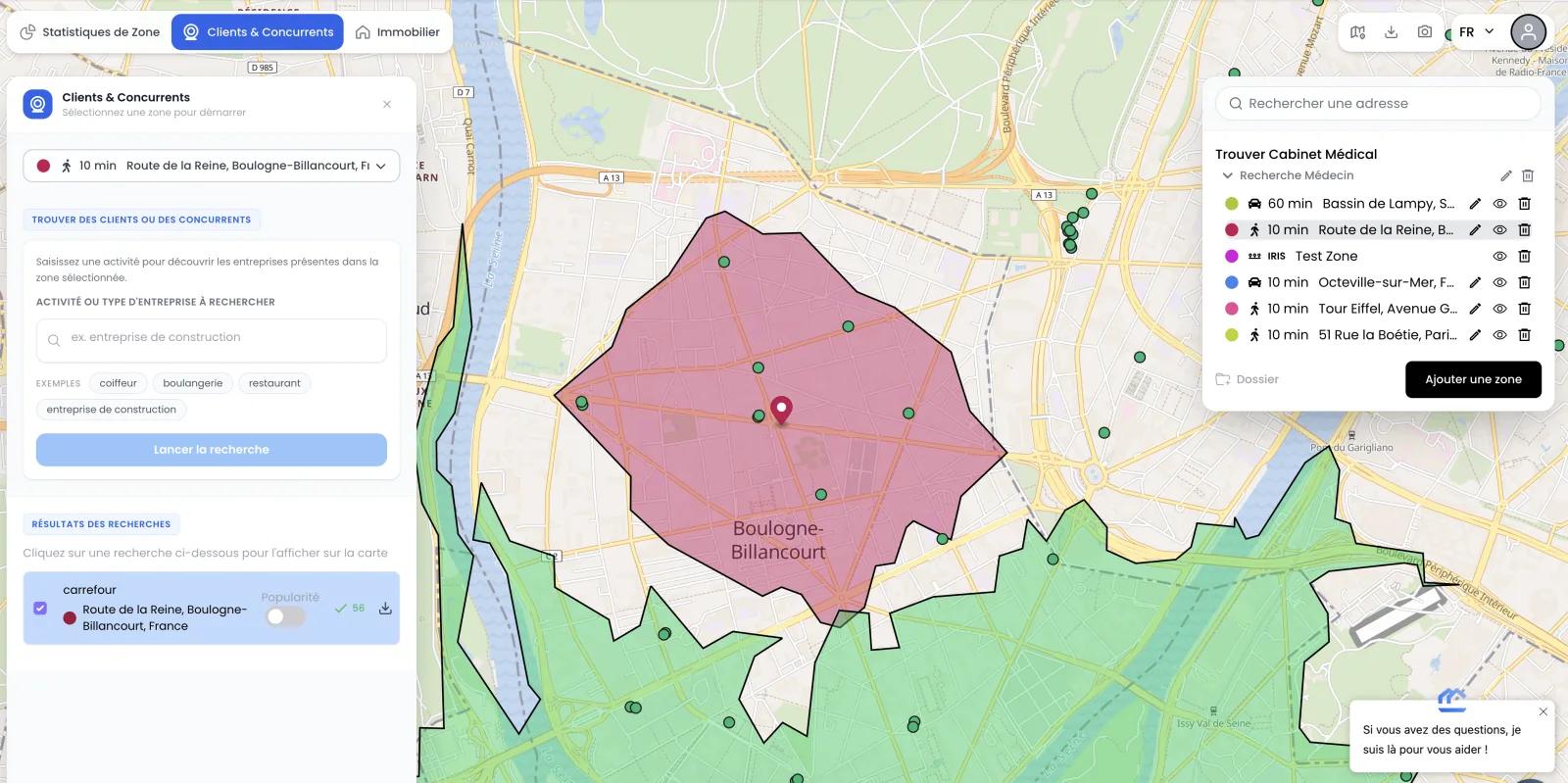
Which businesses are present in the area?
List the businesses of your chosen category within the exact perimeter of your study zone, sourced from Google Maps.
What are the Google ratings and reviews of each business?
Each business comes with its Google rating, number of reviews, opening hours, and contact details.
How can I export the list for my analyses?
Download the full list of businesses in the zone as Excel for integration into your study.
How can I target a specific activity?
Type an activity keyword (restaurant, optician, gym...) and only matching businesses are returned.
How it works
Four steps to map the businesses of an area.
- Étape 1
Define your zone
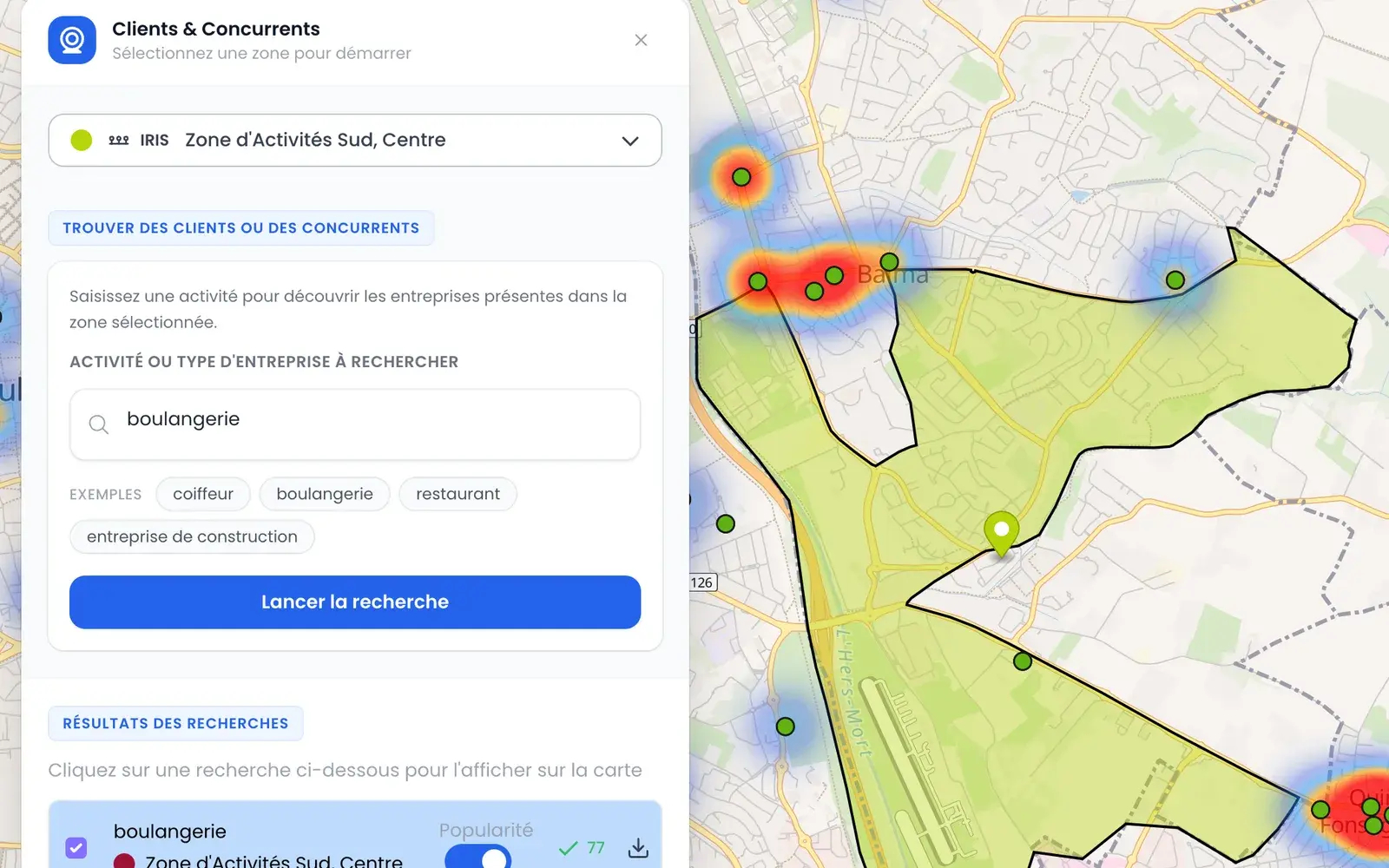
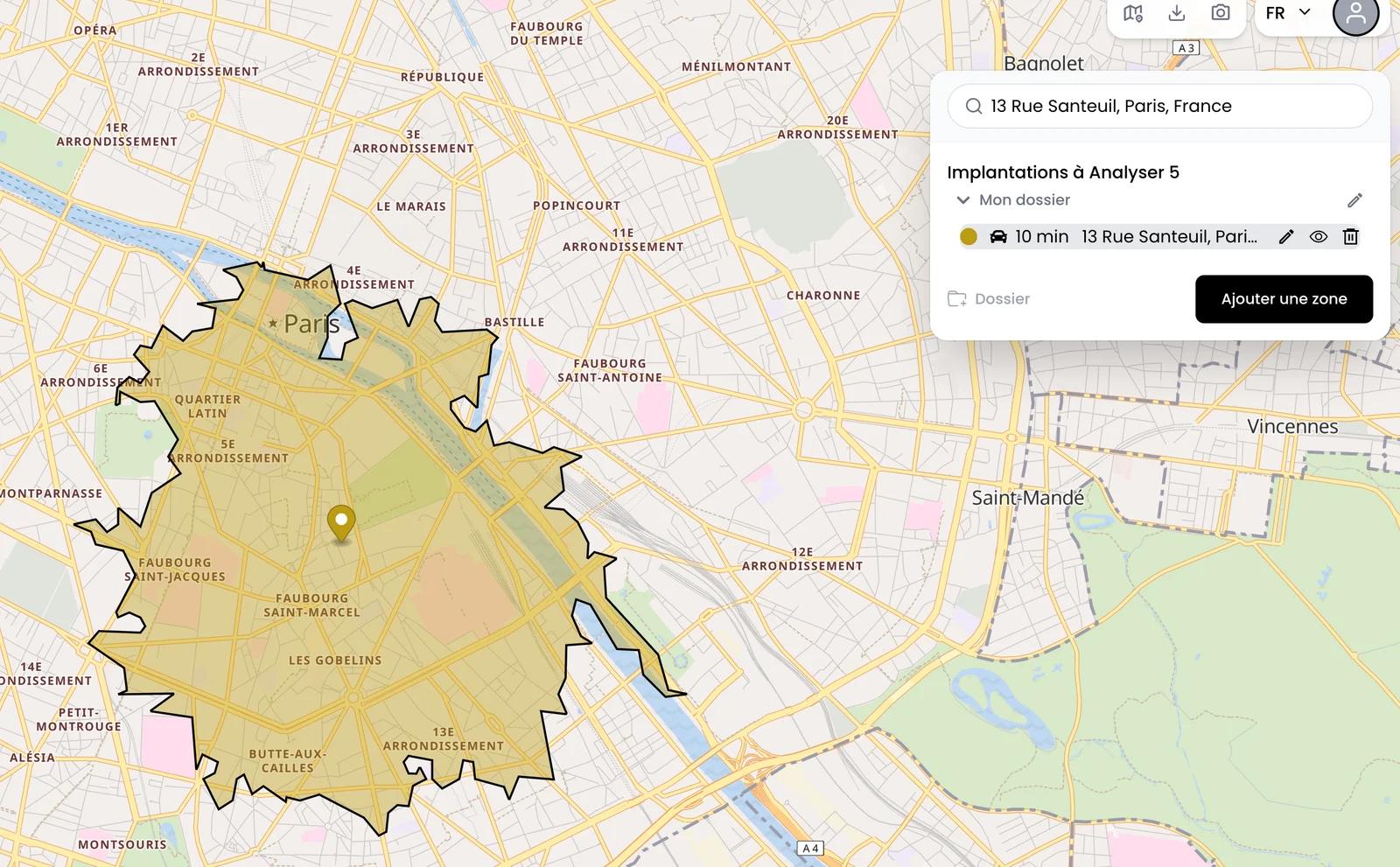
Perimeter by radius, isochrone, or manual polygon — the study area adapts to your need.
- Étape 2
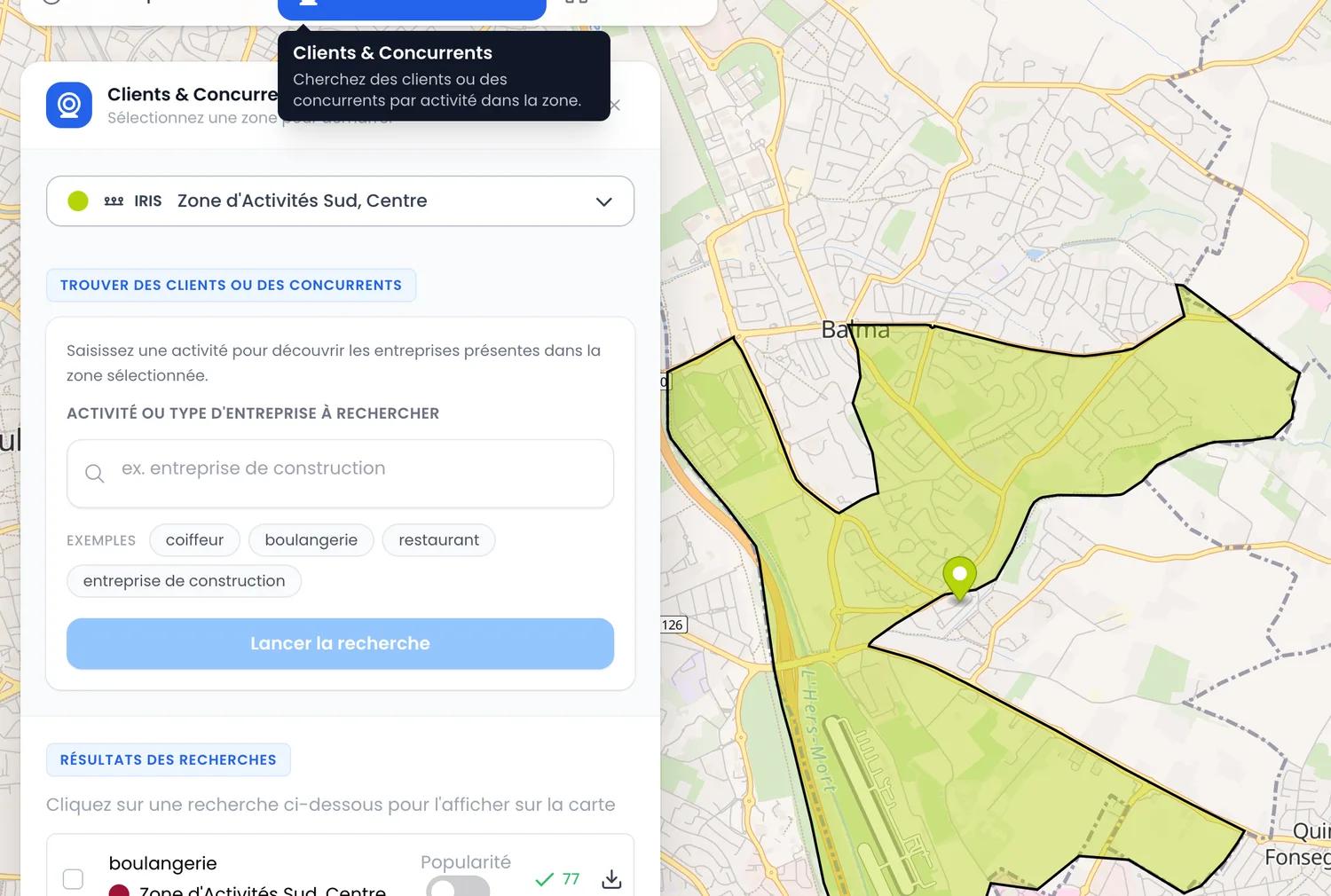
Search by activity
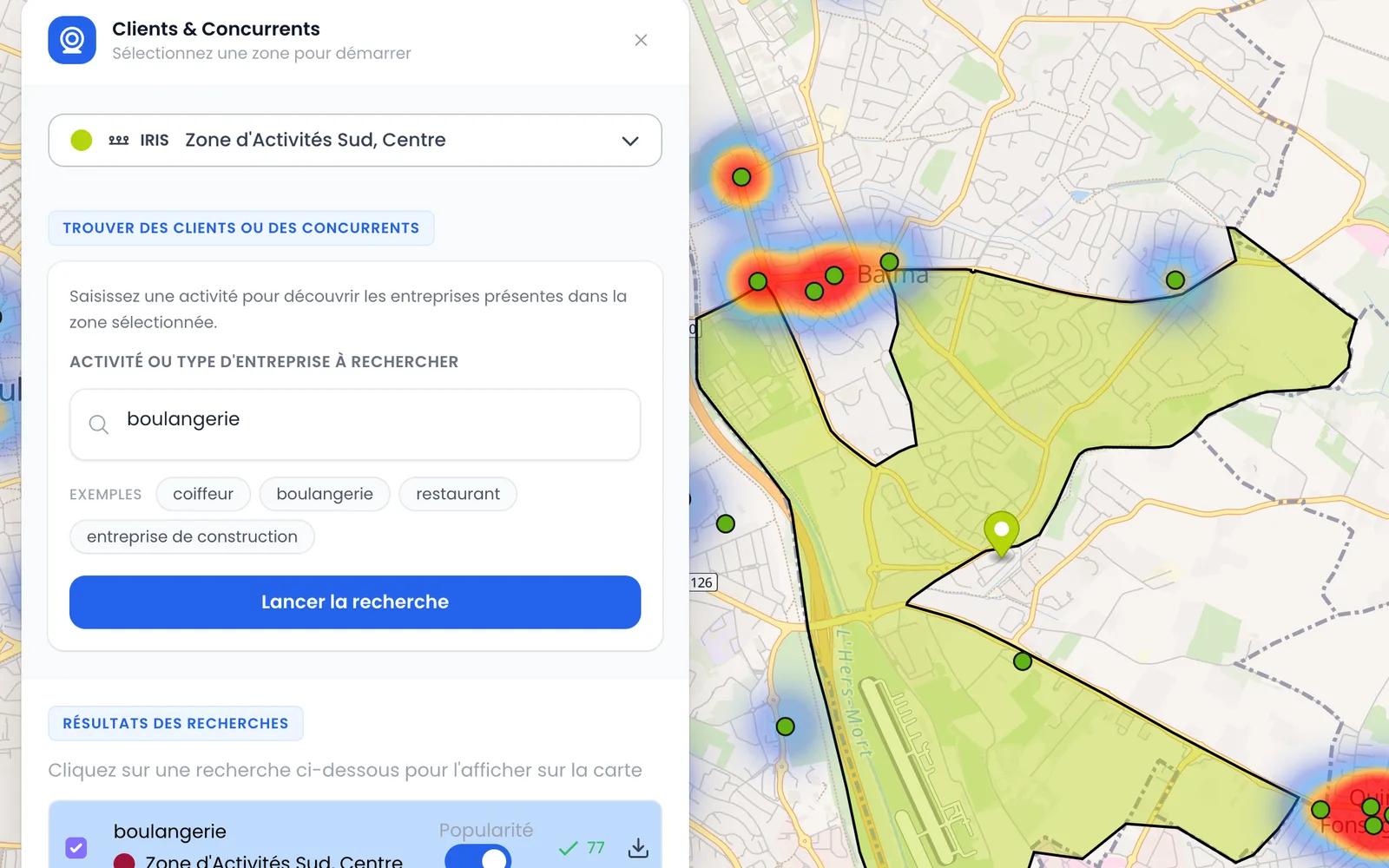
Type the activity keyword (restaurant, optician, gym...). Matching businesses appear on the map.
- Étape 3
Inspect each business
Google rating, number of reviews, opening hours, contact details: all the information you need for your analysis.
- Étape 4
Export the list
Retrieve the full list of businesses with their Google ratings as Excel for your analyses.
Data from Google Maps
The most up-to-date publicly available business directory.
Google Maps
Name, category, address, GPS coordinates, Google rating, number of reviews, and opening hours of each business — collected via a dedicated scraping infrastructure.
Google ratings & reviews
For each business, its average rating and public review count — the most reliable signals to assess its activity.
What an analysis looks like
Frequently asked questions
Where does the data come from?+
All data comes from Google Maps: name, category, rating, reviews, opening hours, and contact details of each business.What is the geographic coverage?+
The analysis covers any zone accessible via Google Maps. Metropolitan France and the overseas departments (DROM) are fully covered.Can I filter by business category?+
Yes. You type the activity keyword (restaurant, optician, gym...) and only matching businesses are returned.Is the business list exportable?+
Yes, in Excel format. The export is included in the Growth plan, with no quota.How much does business mapping cost?+
Included in the Growth plan at €49 excl. VAT / month, with no commitment. See the pricing page for details.